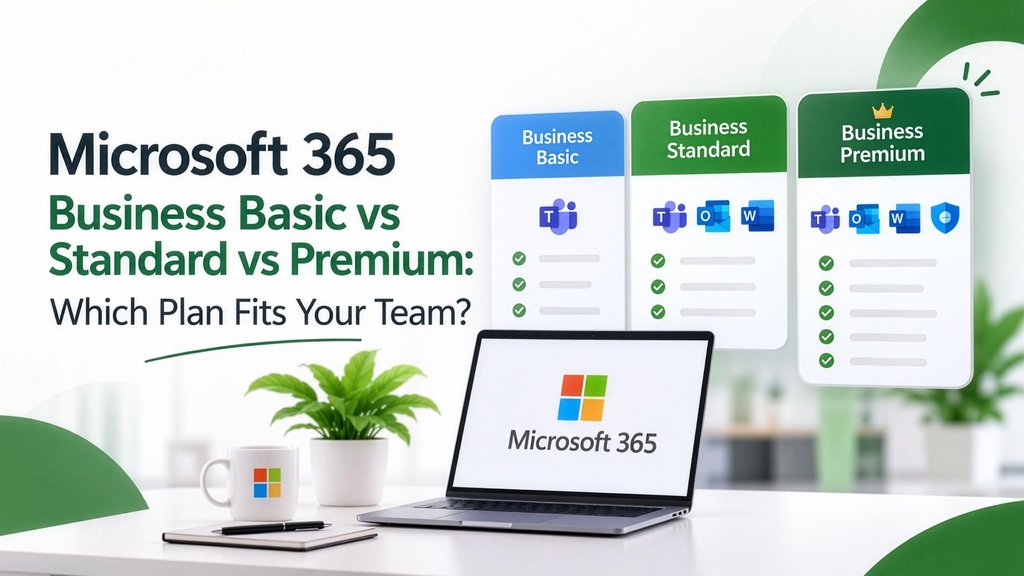
Microsoft 365 Business Basic vs Standard vs Premium: Which Plan Fits Your Team?
Here's a mistake we see almost every month. A 20-person company buys Business Premium for everyone "to be safe". Half the team only reads email on their phone. The company is paying top-tier prices for people who need entry-level tools.
The opposite happens too: a company buys Business Basic for everyone to save money, and then discovers that the accounts team can't open their macros because Basic doesn't include desktop Excel.
The good news is that you don't have to pick one plan for the whole company. You can mix them. This guide shows you how to match each person to the right plan.
What changed in 2026
On 1 July 2026, Microsoft raised the US list prices of Business Basic (from $6 to $7 per user per month) and Business Standard (from $12.50 to $14). Business Premium stayed at $22. Existing customers keep their old price until their next renewal after that date.
Local prices in India, the UAE and Saudi Arabia differ from US prices and change with exchange rates, so always ask your Microsoft partner for a current local quote.
The three plans at a glance
Business Basic: for people who live in email and Teams
Choose Basic for: field staff, drivers, warehouse supervisors, retail staff and anyone who mainly reads email, joins Teams calls and opens documents on a phone or in the browser.
Watch out for: the browser versions of Excel and Word handle everyday work well, but they don't support macros, complex add-ins or some advanced Excel features. Your finance team will notice.
Business Standard: for people who create documents all day
Choose Standard for: accounts, sales, HR, admin and management, meaning anyone who builds spreadsheets, proposals and presentations.
Standard adds the full desktop apps, installable on up to five PCs or Macs plus five tablets and five phones per user. For most office workers, this is the plan they actually need.
Business Premium: for when security can't be optional
Choose Premium for: directors, finance, HR (who hold salary and personal data), IT admins, and anyone who uses a company laptop outside the office.
Premium's value is less about features you use daily and more about what it prevents:
- Defender for Business protects laptops against ransomware and malware.
- Intune lets you push settings, enforce encryption and wipe a lost laptop or phone remotely.
- Conditional Access blocks sign-ins from unknown devices or risky locations.
- Purview helps stop sensitive files being shared outside the company.
If one stolen laptop or one phished finance mailbox would seriously hurt your business, the gap between Standard and Premium is cheap insurance.
The money-saving move: mix your plans
You can assign different plans to different people in the same tenant. A typical 25-person trading or services company might look like this:
Compared with putting all 25 people on Premium, a mix like this cuts the licence bill substantially, and nobody loses anything they actually use.
Should you add Microsoft 365 Copilot?
All business plans now include Copilot Chat, a secure AI chat that works on the web. The full Microsoft 365 Copilot add-on, which works inside Word, Excel, Outlook and Teams with your company data, is an extra per-user licence.
Our advice: start with a pilot of 3–5 people in roles that write or summarise a lot (sales, management, HR), measure the time saved for 60 days, and only then roll it out wider.
Monthly or annual billing?
Annual commitment is cheaper per month but locks in the user count for the year (you can add users, but generally can't reduce mid-term). Monthly billing costs more but lets you scale down. For a stable core team, choose annual. For seasonal or project staff, monthly is worth the premium.
Frequently asked questions
Can I mix Business Basic, Standard and Premium in one company?
Yes. Licences are assigned per user, so you can mix plans freely in the same Microsoft 365 tenant.
Does Business Basic include Outlook?
It includes Outlook on the web and the Outlook mobile app, but not the installable desktop Outlook for Windows or Mac.
What is the maximum number of users on a business plan?
Business Basic, Standard and Premium each allow up to 300 users. Larger organisations move to Enterprise (E3/E5) plans.
Is it cheaper to buy Microsoft 365 through a partner?
Buying through a Cloud Solution Provider (CSP) partner usually costs the same as or less than buying direct, and you get local billing, local support and help with setup and migration.
Get the right plan mix for your team
Not sure who needs which plan? Send us your team list by role. As a Microsoft 365 reseller, we'll recommend the right mix and give you a current quote in INR, AED or SAR, with setup and migration support included.
[Talk to LABOFWEB about Microsoft 365](https://labofweb.com/microsoft-365-and-licensing)
Ready to Elevate Your Digital Operations?
Whether you need custom ERP solutions, web & mobile applications, or sustainability management, our expert team is here to help you scale efficiently.